Guide · 9 min read
Designing multi-page forms that finish
Pagination, progress, validation timing and saving partials - the mechanics of long forms people complete.
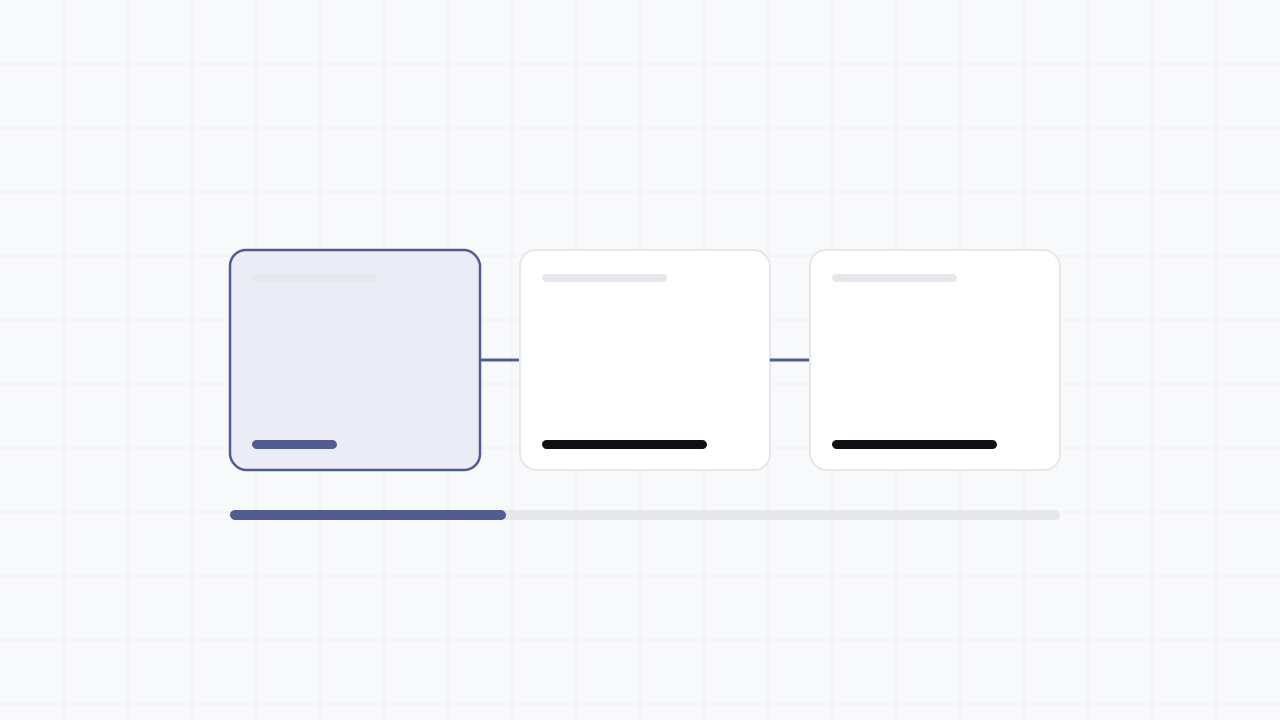
When to paginate at all
A multi-page form is not automatically better than a single page. For a contact or signup form, pagination adds navigation overhead with no benefit - the whole thing already fits on one screen and motivated users want to fly through it.
Reach for pages once a form exceeds roughly seven to ten fields, or once significant conditional logic means different respondents take meaningfully different routes. Below that threshold a single scrolling page usually wins; above it, the perceived-effort reduction of steps starts to outweigh the navigation cost.
Grouping questions into pages
Group by topic, not by even field counts. A page should answer one implicit question for the respondent - "about you", "about your project", "how to reach you" - so each step feels coherent rather than arbitrary.
Front-load the easy and the qualifying. Put the lowest-effort questions on page one to build momentum, and put any routing question early so later pages can be skipped entirely via conditional logic rather than shown and abandoned.
Progress that tells the truth
A progress indicator only helps if it is honest. If branching can skip pages, the indicator must reflect the path this respondent will actually take, not the theoretical maximum, or it will promise "step 2 of 6" and then jump to the end and feel broken.
Step labels ("Your details", "Project", "Review") outperform a bare percentage because they set expectations about what is coming, which is exactly the perceived-effort reduction pagination exists to deliver.
Validation and navigation
Validate per page on Next, not all at once at the end. Catching a bad email on page one is recoverable; surfacing it after the respondent has invested in four more pages is how you create form abandonment at the finish line.
Back must be lossless and must re-run logic. Returning to page one and changing a routing answer should update which later pages exist and clear answers that no longer apply, rather than silently submitting stale data - see the conditional-logic guide for the re-evaluation rules.
Saving partial submissions
Persist each page server-side as it is completed. This turns an abandon into a recoverable partial submission, makes per-page drop-off measurable, and lets a long form survive a closed tab or a dead battery.
Saving partials means storing personal data the respondent has not deliberately submitted, so disclose it, apply the same retention and erasure rules and GDPR consent as completed responses, and never resume a saved session without authenticating the person resuming it.
Measuring and iterating
Per-page drop-off is the multi-page equivalent of per-question drop-off: it localises the failure to a single step so you can fix that step rather than rebuilding the whole form. Watch completion rate and conversion rate together, since pagination can lift one while hiding a regression in the other.
Change one page at a time and re-measure. If page three loses a quarter of respondents, the experiment is to fix page three - not to simultaneously reorder pages two and four and lose the ability to attribute the result.