Guide · 9 min read
The complete guide to conditional logic in forms
When to branch, how to keep logic readable, and the patterns that lift completion.
Why logic matters
A form that asks everyone everything converts badly. Conditional logic shows each respondent only the questions relevant to them, which is the single biggest lever you have over form abandonment after length itself.
The win is twofold: shorter forms complete more often, and the data you collect is cleaner because irrelevant fields are never shown, so they are never filled with noise you later have to filter out.
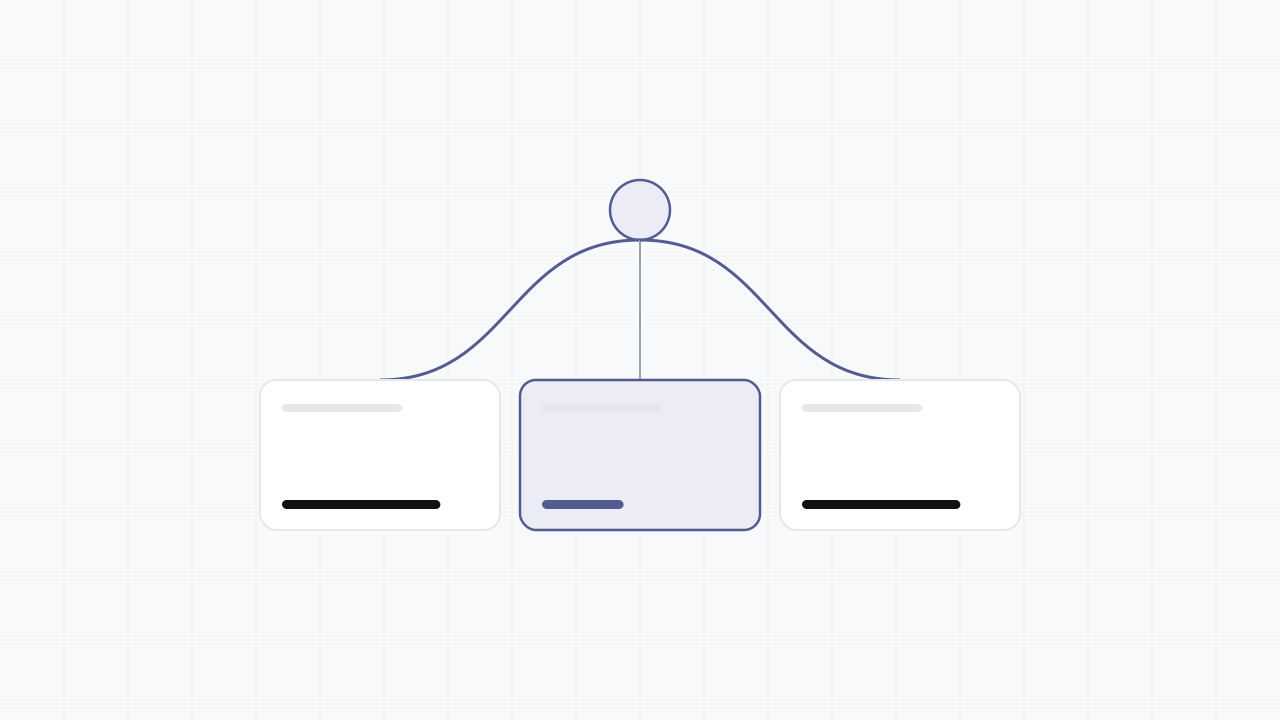
Concretely, imagine a support form with a "What do you need help with?" router. Billing questions reveal an invoice number field; bug reports reveal a steps-to-reproduce box; everyone else sees neither. One form, three tailored experiences, no dead fields.
Patterns that work
Qualify first: ask a routing question early and branch the rest of the form from it. This is progressive disclosure in practice - keep the default path short and let depth appear only when an answer calls for it.
Collapse, don't bury: hide whole sections rather than scattering single conditional fields across the form. A reviewer should be able to point at one rule and one block, not chase a dozen field-level conditions.
Keep it observable: if you cannot describe a rule in one sentence ("show the VAT field only when country is in the EU"), it is too complex - simplify it or split the form.
Prefer one path with a few conditional fields over many near-identical full paths. Five branches that differ by two questions each is a maintenance trap; one path with two conditional questions is not.
Logic and multi-page forms
Branching interacts with pagination. In a multi-page form, a routing answer on page one can skip an entire later page, which keeps the progress indicator honest only if the indicator counts pages the respondent will actually see, not the maximum possible.
Re-evaluate logic when a respondent goes Back and changes a routing answer. If they switch from "Business" to "Individual" on page one, the company-size field captured on a later page should be cleared, not silently submitted with stale data.
Common mistakes
Referencing a later answer in an earlier rule. Logic must only depend on questions already answered; a rule that looks ahead can never evaluate correctly.
Branching on a free-text field. Free text is unpredictable; branch on choices, not on what someone typed.
Forgetting the empty state. Decide what happens when no branch matches - usually a sensible default path, never a dead end where the respondent is stuck with nothing to answer.
Testing your logic
Enumerate the distinct respondent types your form is meant to serve and walk each one end to end, watching that they see exactly the right questions and nothing else. The number of paths you must test is the real measure of how complex your logic has become.
Pay special attention to the Back-and-change case and to combinations of conditions, since bugs cluster where two rules interact rather than in any single rule. If you find yourself unable to enumerate the paths, that is the signal to simplify before launch, not after.