Guide · 8 min read
How to improve form conversion rate
Diagnose drop-off with the funnel, then fix the specific friction - not the whole form.
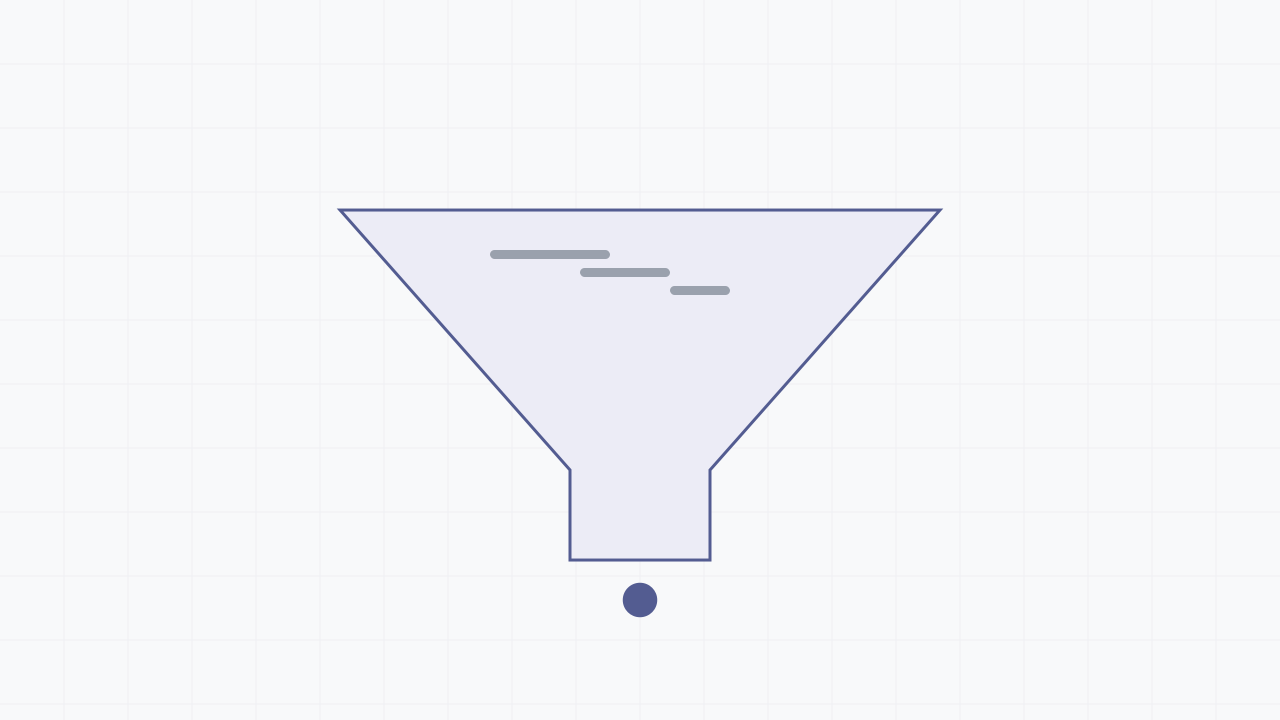
Measure the funnel
Track views → starts → submissions. A low start rate is a framing or length problem - people look and leave before typing. A low finish rate is a friction problem mid-form.
Keep form conversion rate and completion rate separate in your head: conversion is submissions over all viewers, completion is submissions over people who started. They fail for different reasons and a fix for one can worsen the other.
Find the exact friction
Per-question drop-off is the single most useful chart you have. It converts a vague "the form converts badly" into "32% of people who reach the phone-number field never submit", which is something you can actually act on.
Look for cliffs, not slopes. A gentle decline across many fields usually means the form is just long; a sudden cliff at one field means that field is the problem - an unexpected payment step, a long open text box, a question people resent answering.
Reduce perceived effort
Split long forms into a multi-page form with a progress indicator. Lead with the easiest question so the first interaction is effortless and the respondent is already invested before anything hard appears.
Audit required vs optional fields ruthlessly. Every required field you cannot justify is friction with no payoff; remove fields you never analyse rather than just making them optional.
Capture partial submissions so an abandon mid-form is recoverable instead of a total loss, and so the drop-off data above is even available.
Reduce friction you can't see
Slow or aggressive field validation quietly kills conversion. Validate on blur, never on every keystroke, never block typing, and write specific error messages ("Enter a date in the future") rather than a generic banner.
Accessibility is conversion. A form that traps keyboard users or hides errors from screen readers is losing submissions you will never see in the funnel because those users cannot complete it at all - see the accessibility guide.
Use the data, change one thing
Re-test one change at a time. If you split the form and reword two questions simultaneously and conversion moves, you have learned nothing about which change did it.
Tie outcomes back to source using UTM tracking in hidden fields. "Conversion improved" is far more useful as "conversion from paid search improved while organic was flat", which often points at a mismatch between the ad's promise and the form's reality rather than the form itself.